For listing agents
Shoot a whole listing. On your phone.
Or just the room you re-shot. Or the same house in a different look. Or that listing from last month you never finished. Studio Rendo turns a phone walkthrough into the photos your listing needs everywhere it goes, in about twenty minutes.
One upload
One shoot. Five places it has to go.
The MLS gets a clean set with nothing on it. Everything else gets a branded set carrying your name and license, sized for social and for print. Same upload, both sets.
- The MLS listing
- Instagram and Facebook
- Flyers and postcards
- The email blast
- Your own site
Looks
Pick a look. The whole house follows.
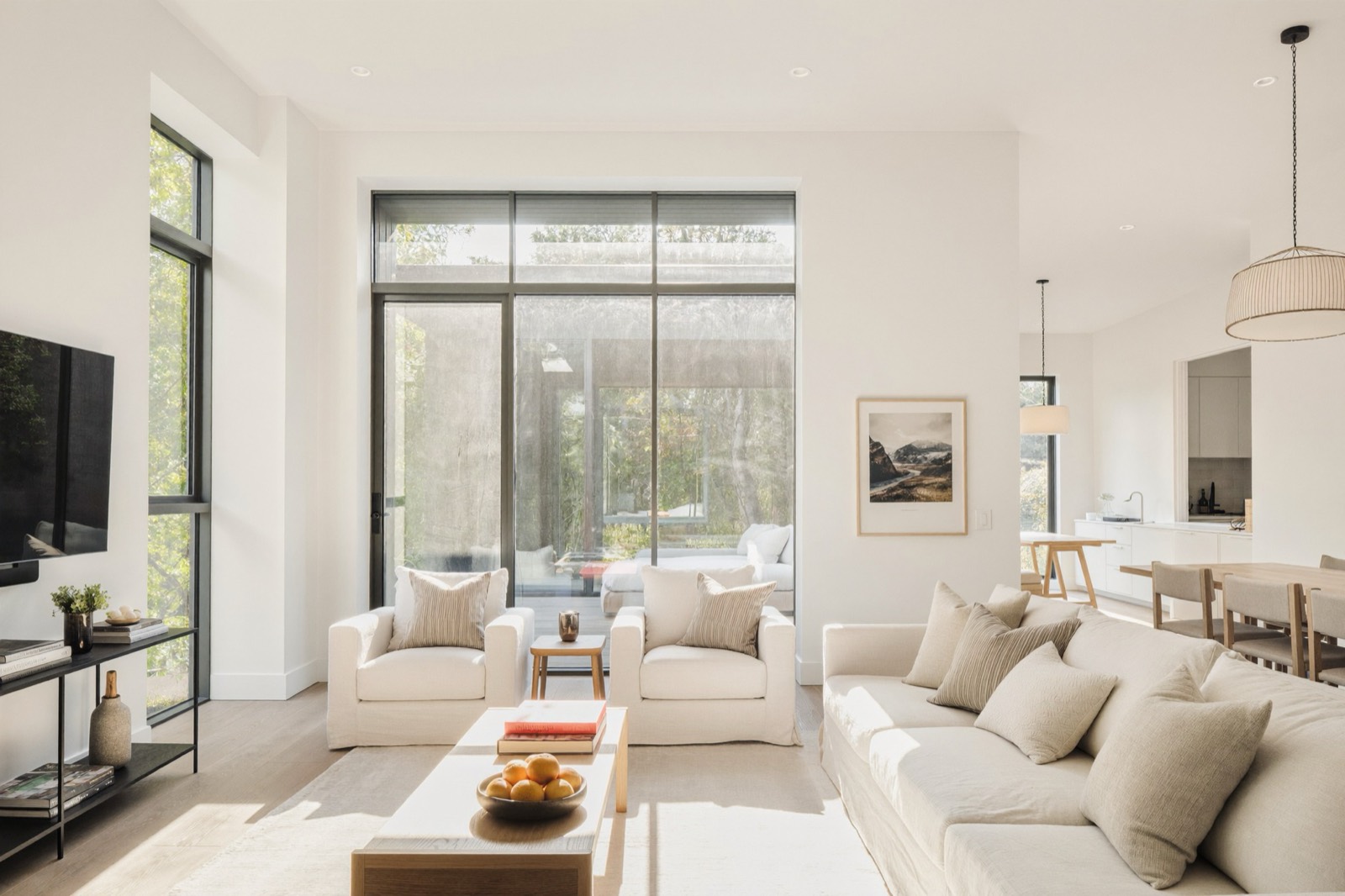
Every photo in the shoot gets matched to the same one, so twenty-five pictures read as one visit instead of twenty-five edits.
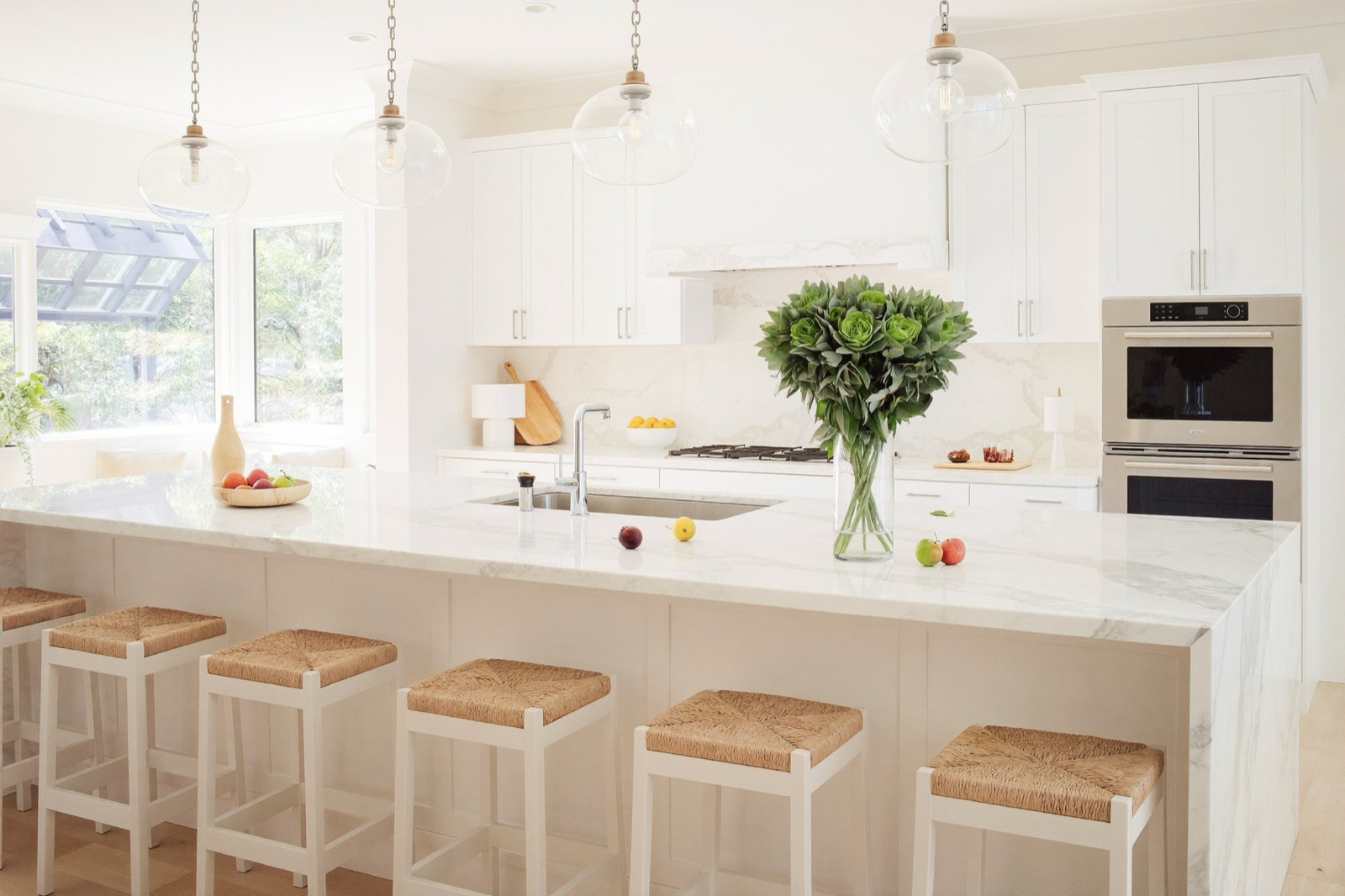
Look reference — bright & airy 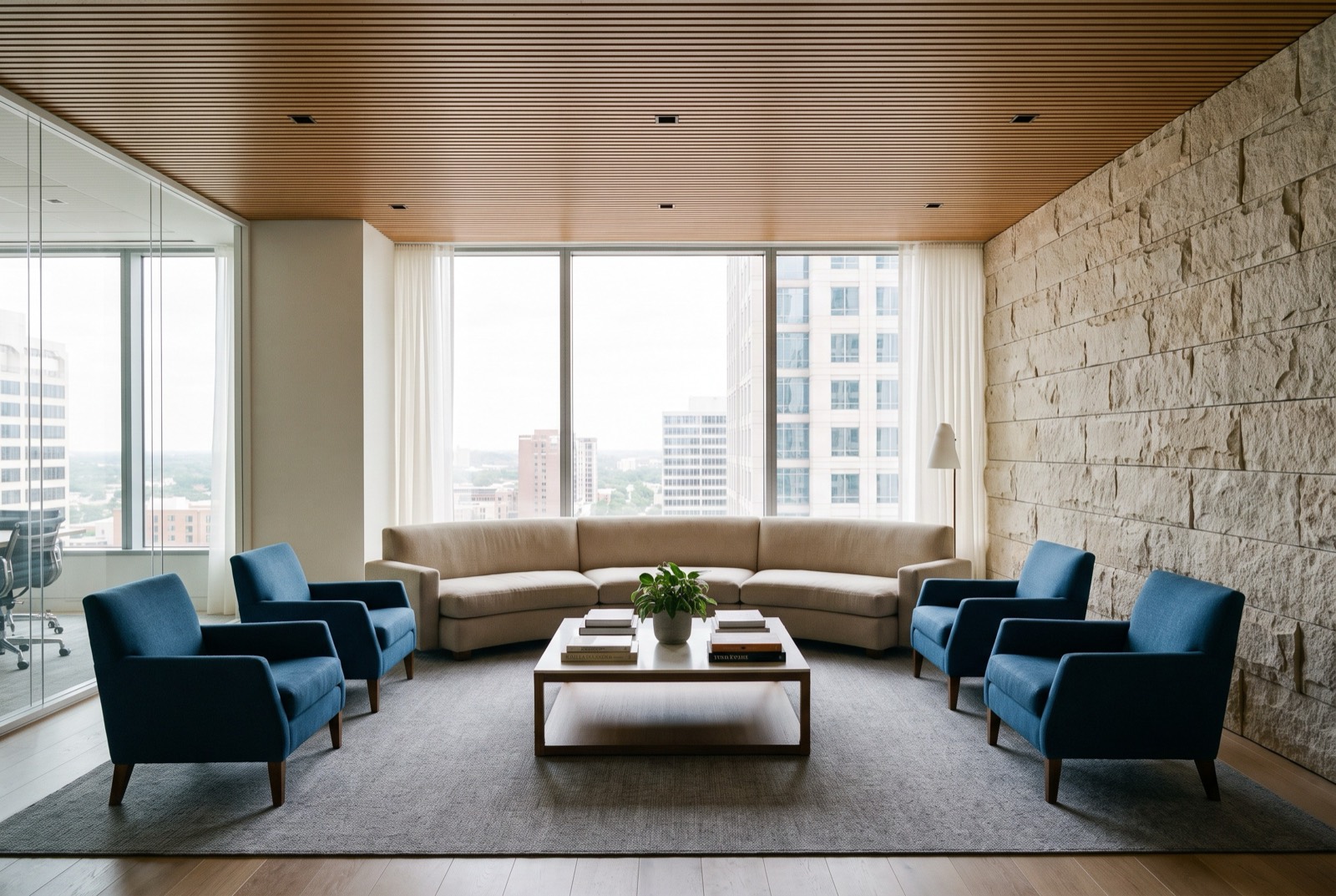
Look reference — editorial warm 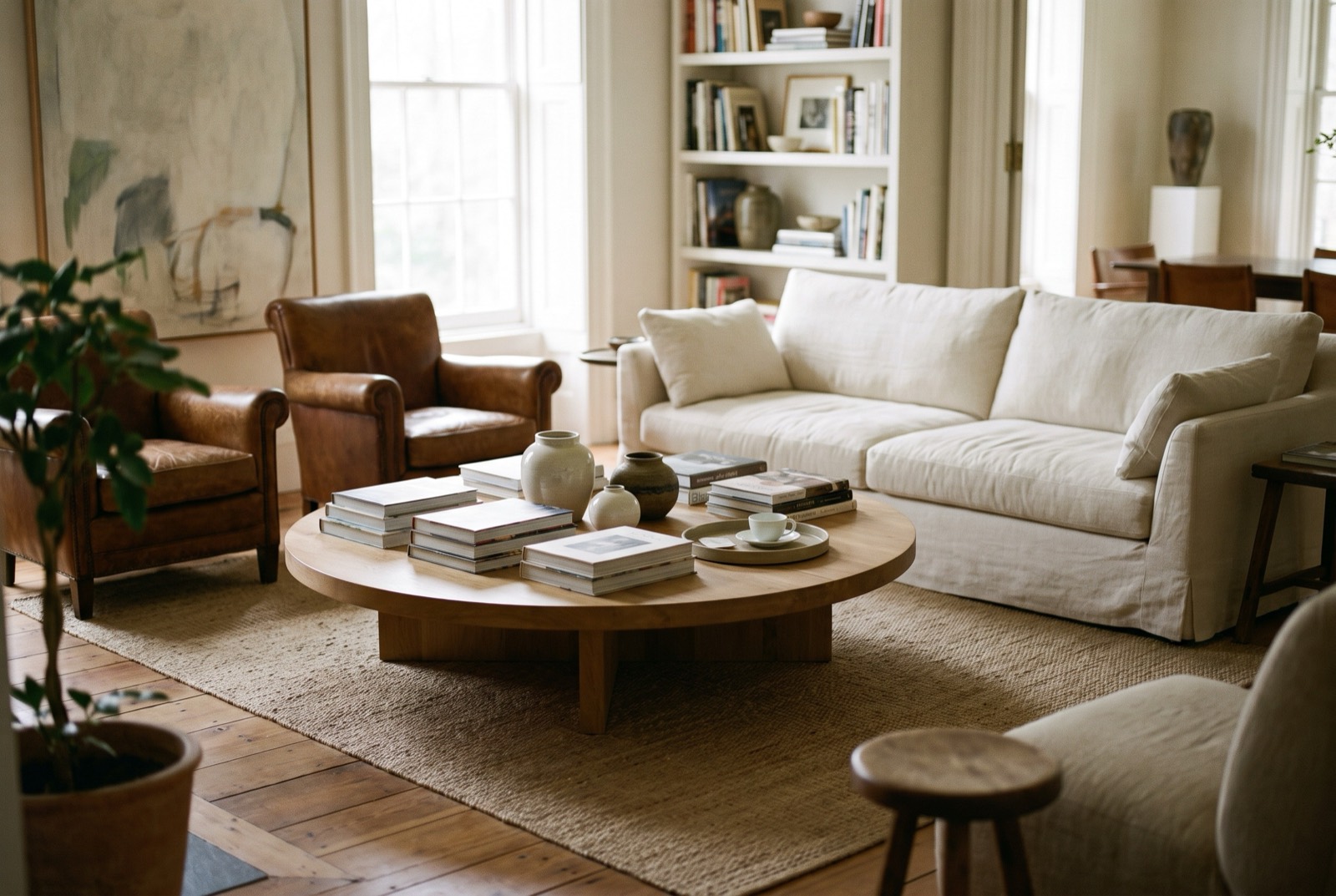
Look reference — high touch 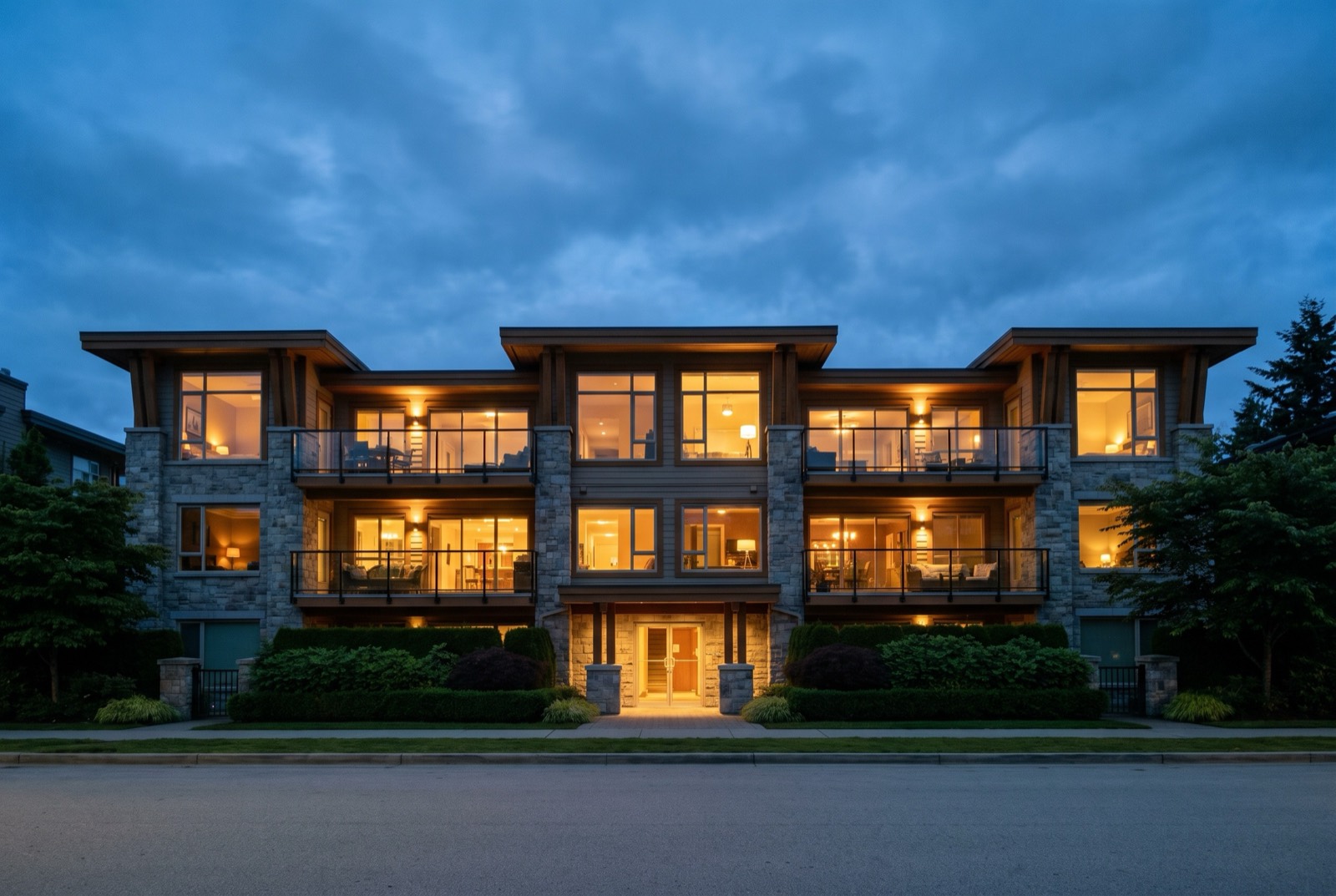
Look reference — dusk
And everything else
The look is only half of it.
LOOK
Looks
Pick one and the whole house comes back in it, matched to itself.
TIDY
Declutter
Laundry, boxes, cords and dishes gone. Beds made. Nothing added.
FRAME
Recompose
The shot you’d have taken from a foot to the left. Off unless you ask.
GLASS
Window balance
The view through the glass survives instead of blowing out to white.
FIX
Corrections
Straightened, plumb, cropped, color-matched across the shoot. Free, every photo.
SETS
Two sets
Clean for the MLS, branded for everywhere else. One export.
DISC
Disclosure tools
Labels, links and QR codes, ready when your board wants them.
LOG
Edit log
A CSV of what changed on which photo, in every export.
Damage, stains and wear are never hidden. Furniture, fixtures and flooring never move. No window view is invented. Anything an enhancement touched gets marked, so you always know which photos are which.
The MLS set
The MLS set has nothing on it. That’s the point.
JPEG, sRGB, 2048 on the long edge, under 3MB, landscape, EXIF stripped. No name, no logo, no license number, because that’s what gets a photo kicked back. Your branding goes on the branded set, where it belongs.
- Your board’s wording, not ours
- Boards disagree about what a photo has to say. Yours is configured, so the label is one a reviewer knows on sight.
- A link back to your original
- Any enhanced photo can carry a short public link and a QR code for print, pointing at the photo straight off your phone.
Disclosure label as the export burns it in.
Price
A thirty-photo house is $12 to $18.
Your photographer was $150 to $300 and booked out days. Corrections are free on every photo you upload. Credits only go to the photos an enhancement actually touched.
30
$36
$29/mo
A second look on the whole house is another 30. Changing your mind about a handful of photos after that is usually 0–3, because the ones you left alone are already done.
Your first shoot is on us.
Upload a listing, get the whole set back, every enhancement on. No card. We’re taking founding agents market by market.